
Pro Model
Text Prompts Enabled
Advanced model for complex objects with prompt-guided segmentation for precise extraction.
Remove BG Video Instantly
Upload your video to remove background automatically
Click to upload or drag & drop
Supported formats: MP4, MOV and WEBM
Uploads containing sexual or adult content, graphic violence, politically sensitive material, or minors are prohibited. Terms
4K
Max Quality
60
Max Length
$1.50-$4
Per Min
Simple, Transparent Pricing
No subscriptions. Pay only to process your videos.
Business
For teams and enterprises with higher volume needs
Save 38%
BUSINESS
For growing businesses and teams
(7200 credits) • 120 minutes of processing
What's included
- Up to 4K video processing
- Transparent backgrounds (webm, mov, pngs, gif, webp)
- Preview for all videos
- Batch processing (up to 5 videos)
- API access
- Priority support
Save 45%
ENTERPRISE
Enterprise-level video processing
(21600 credits) • 360 minutes of processing
What's included
- Up to 4K video processing
- Transparent backgrounds (webm, mov, pngs, gif, webp)
- Preview for all videos
- Batch processing (up to 10 videos)
- API access
- Priority support
Save 63%
PREMIUM
Professional video processing
(60000 credits) • 1000 minutes of processing
What's included
- Up to 4K video processing
- Transparent backgrounds (webm, mov, pngs, gif, webp)
- Preview for all videos
- Batch processing (up to 20 videos)
- API access
- Priority support
Pro
Text Prompts Enabled
Advanced model for complex objects with prompt-guided segmentation for precise extraction.
Speed
Slowest
Quality
Highest
Pricing
180 credits/min
Text Prompts
Yes
Prompt Guided
Best for
Use this model now
Upload a video on the homepage and select Pro in AI Model.
Compare with other models
Why Teams Use Pro Model
to Remove BG Video in Seconds
The Pro model helps teams generate reusable foreground layers and ship multi-channel creatives faster, while keeping edge quality and temporal stability aligned with production needs.
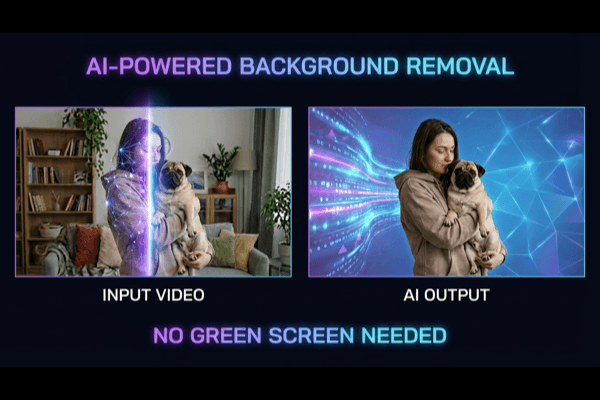
AI Subject Isolation
Isolate the subject from complex scenes without mandatory green screen setup. Keep natural motion and preserve detail around hair, fingers, and fine edges.
Reusable Creative Assets
One processed clip can power ads, landing pages, onboarding animations, and social variants with consistent look and lower production cost.
Ship Pro Outputs Faster
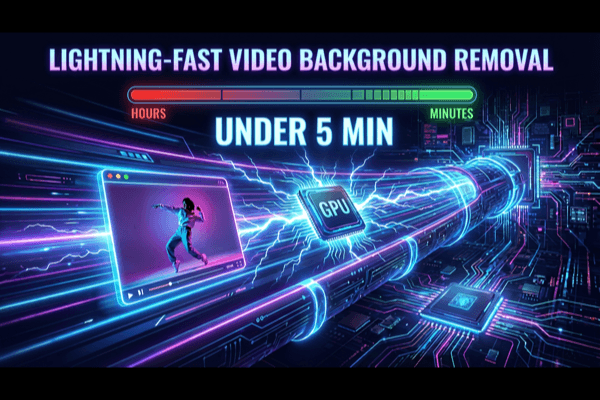
Reduce manual masking and review loops. With the right model per scene, teams can publish more variants in less time.
Choose the Right Output for Every Destination
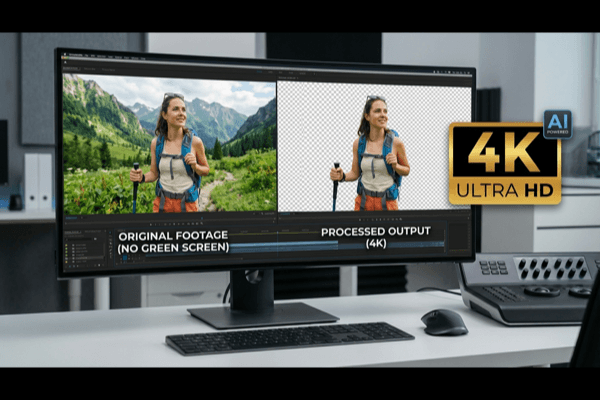
Export for web playback, ad production, or editing timelines. Keep subject quality consistent across channels with model-aware processing.
Frequently Asked Questions
Everything you need to know about how to remove bg video with the Pro model.
When should I choose Pro instead of other models?
Pro is best for text prompts enabled scenarios. If your priority changes between speed, quality, and cost, compare the other models in the comparison section above.
How are credits calculated for this model?
Credits are charged by processed duration. Pro uses 180 credits/min, and credits are only consumed when you run final processing/export.
Does this model support text prompt?
Yes. Pro supports text_prompt for precise subject targeting. Use concise, object-focused prompts for best results.
Which output formats can I use with this model?
All models support the same output targets: MP4, WebM (alpha), MOV/ProRes (alpha), GIF, WebP, and PNG sequence (ZIP).
Can I use this model through API and SDK?
Yes. In API requests, set model to "pro". You can integrate via REST or the official Node.js and Python SDKs.
How can I improve edge quality and temporal stability?
Use higher-quality source video, avoid heavy compression, keep lighting stable, and choose the model based on scene complexity. Preview difficult frames before final export.
How long will processing take?
Processing time depends on duration, resolution, scene complexity, and selected model. In general, Light/Human are faster, Original is balanced, and Pro prioritizes precision.
Can I use exported videos commercially?
Yes. Exported outputs can be used for commercial workflows such as marketing, e-commerce, creator content, and client delivery.

Ready to Remove BG Video?
Start with a preview and export with Pro when you are satisfied with the quality.