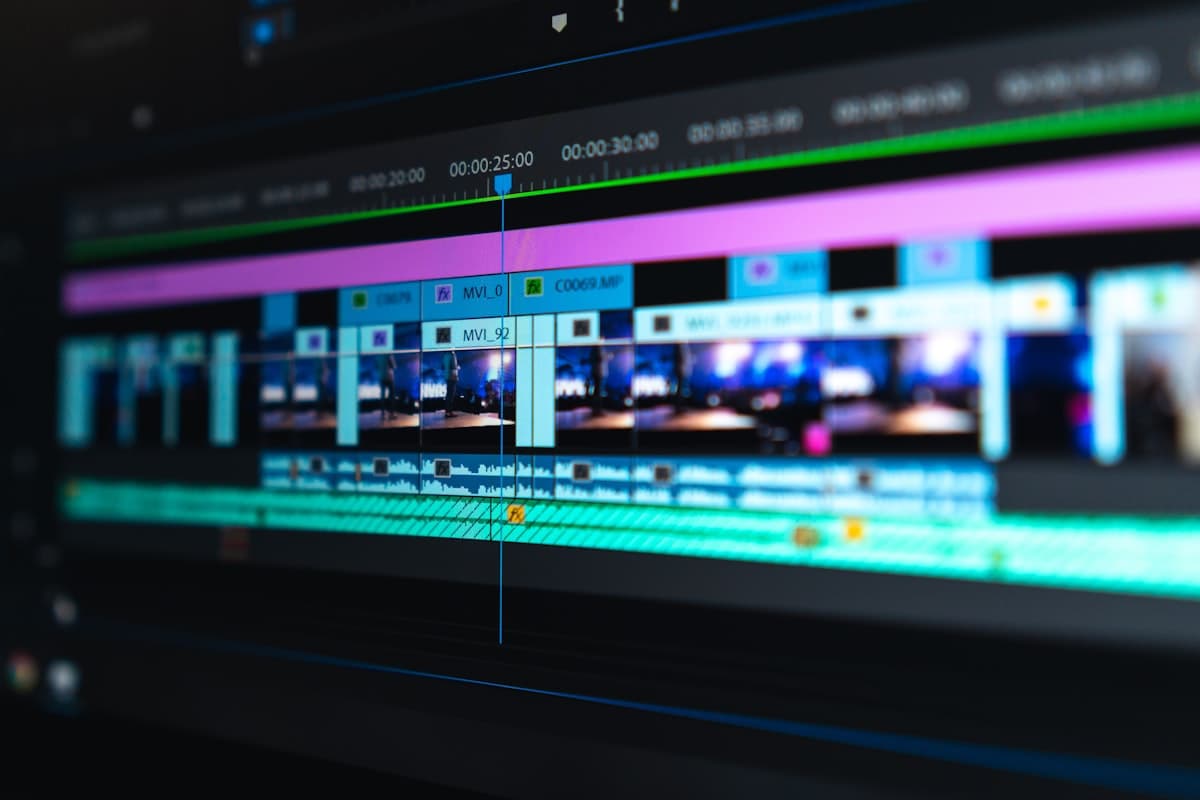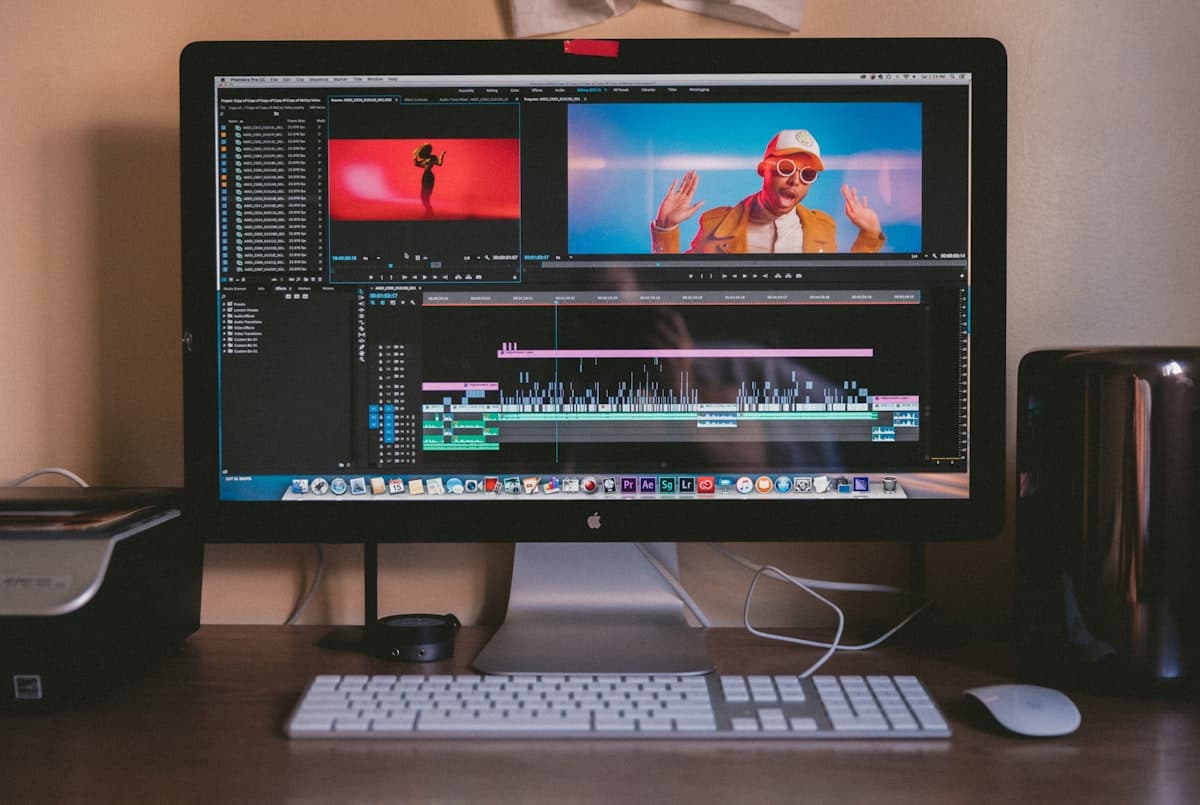
Rotoscoping After Effects: Practical Workflow, Settings, and Export Playbook
If your team is searching for a reliable process for rotoscoping after effects, this guide is built for real production. You will get a clear framework to plan, execute, review, and export clean subject cutouts without wasting days on trial and error. Many tutorials explain isolated tricks, but professional rotoscoping after effects needs repeatable systems, not random fixes.
This page is structured like a landing page playbook: what this workflow solves, when it is worth using, which steps produce consistent quality, and how to avoid expensive mistakes. By the end, you will have a complete rotoscoping after effects workflow your editor, motion designer, or in-house content team can use on every project.
Why teams still choose rotoscoping after effects
Even with fast AI tools, rotoscoping after effects remains critical when brand quality and control are non-negotiable. AI can speed up simple clips, but manual oversight is often required for hair, transparent edges, motion blur, and overlapping objects.
Use rotoscoping after effects when you need:
- Frame-level control over subject edges
- Accurate holdout mattes for product shots
- Reliable results in mixed lighting
- Better integration with compositing pipelines
- Client-safe revisions for paid campaigns
When marketers ask for a polished ad cut, this workflow is often the difference between "looks okay" and "looks premium."
Who this workflow is for
This guide is designed for:
- Freelance editors delivering ads, UGC, and e-commerce video
- Agencies handling social video at scale
- In-house content teams producing YouTube and paid media
- Motion designers building clean composites for explainer videos
If your current roto process feels inconsistent, the problem is usually workflow design, not your editing skills.
Section 1: Project setup before you roto
Great roto execution starts before you touch the Roto Brush.
Step 1: Create a clean comp structure
For production-safe editing, organize like this:
- Footage_PREP comp for source cleanup
- Roto_MASTER comp for the matte pass
- Composite_FINAL comp for background replacement
This structure prevents broken links and keeps revisions contained.
Step 2: Prep the footage
Before roto work begins, do quick technical prep:
- Trim only the usable range
- Stabilize extreme shake if needed
- Normalize exposure jumps
- Mark difficult frames with composition markers
A 10-minute prep usually saves hours of cleanup later.
Step 3: Decide quality targets
Set a quality standard before editing:
- Social short-form: acceptable edge softness
- Product demo: strict edge consistency
- Branded ad: minimal chatter on hair and hands
Clear targets keep your decisions objective during reviews.
Section 2: Roto Brush 3 settings that actually matter
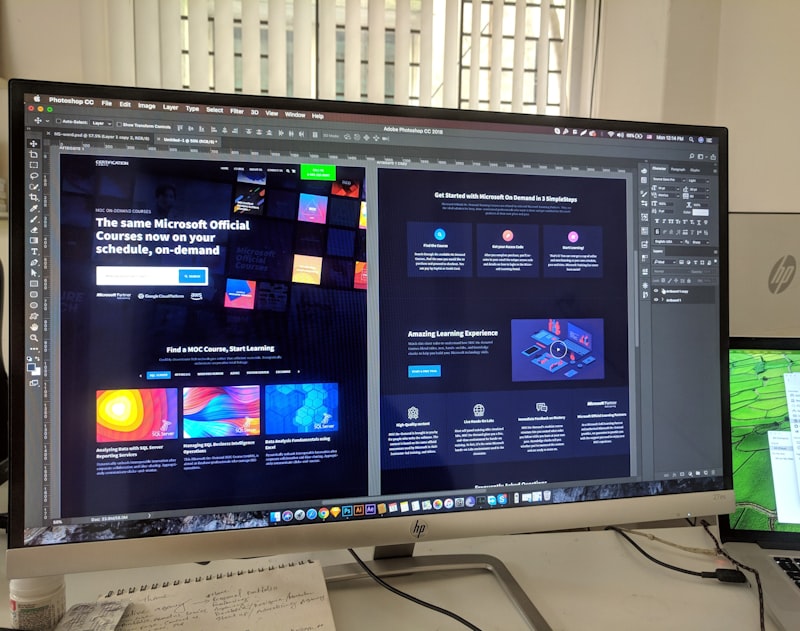
Most delays come from wrong defaults. Focus on these controls first.
Propagation controls
In this workflow, propagation defines how well your matte tracks:
- Use shorter propagation on complex motion
- Freeze segments once a section is approved
- Split long clips into logical chunks
Chunking makes your process faster and safer than one giant pass.
Edge refinement
For clean edges:
- Increase feather slightly for skin and fabric
- Reduce chatter with moderate contrast adjustments
- Use edge shift carefully to avoid halos
Always view at 100% scale while refining details.
Motion blur handling
Motion blur is where weak results fail visibly. When blur is heavy:
- Accept slightly softer edges instead of hard clipping
- Validate on real playback speed
- Compare matte over light and dark backgrounds
Professional output is about believable integration, not mathematically perfect outlines.
Section 3: A repeatable production workflow
Here is a practical rotoscoping after effects sequence for real teams:
- Rough subject selection on a representative frame
- Forward propagate for short range
- Correct obvious misses on high-motion frames
- Propagate backward to protect difficult transitions
- Freeze approved ranges
- Run edge refinement pass
- QC against replacement backgrounds
- Export matte and final composite
This sequence reduces rework and keeps production predictable across projects.
Section 4: Common mistakes to avoid
Teams often repeat the same mistakes:
- Processing long timelines before validating a short sample
- Ignoring edge artifacts in fast movement scenes
- Applying one export profile to every delivery channel
- Over-editing until output looks unnatural
- Skipping final quality review before publishing
A short checklist before export prevents most issues.
Section 5: Building a landing-page style delivery system
If you want consistent output, treat rotoscoping after effects like a productized service:
Offer definition
Define what each package includes:
- Basic rotoscoping after effects for social clips
- Advanced rotoscoping after effects with hair refinement
- Premium rotoscoping after effects with full composite polish
Turnaround standard
Use fixed SLAs:
- Draft matte: 24 hours
- Revision window: 12 hours
- Final exports: same day after approval
Standard timelines make rotoscoping after effects easier to sell and scale.
QA gate
Every rotoscoping after effects job should pass:
- Edge stability check at full speed
- Subject integrity check on hands, hair, and accessories
- Background interaction check for color spill
- Delivery format validation for platform specs
Section 6: Export settings and format strategy

Strong rotoscoping after effects work can still fail at export. Use goal-based outputs:
- For transparent delivery: ProRes 4444 with alpha
- For editorial handoff: image sequence matte plus reference render
- For social publishing: H.264 composite with matched bitrate
When clients need flexibility, provide both alpha and baked versions. This keeps rotoscoping after effects revisions fast and reduces back-and-forth.
Section 7: When to combine AI with rotoscoping after effects
Hybrid workflows are now common. A smart process is:
- Create an AI pre-matte for speed
- Bring that result into rotoscoping after effects
- Refine hard zones manually
- Finalize edges and export clean alpha
This approach can cut production time while preserving rotoscoping after effects quality standards.
FAQ: rotoscoping after effects
How long does rotoscoping after effects take?
Simple clips may take under an hour. Complex motion, hair detail, and long duration can require several hours. The best way to estimate rotoscoping after effects is to test 5 to 10 representative seconds first.
Is rotoscoping after effects better than one-click AI tools?
For speed, AI wins on easy footage. For control and premium finishing, rotoscoping after effects usually provides more predictable quality, especially for ads and brand deliverables.
What footage quality is best for rotoscoping after effects?
Higher resolution and stable exposure always help. Clean source footage reduces corrections and improves overall rotoscoping after effects efficiency.
Can beginners learn rotoscoping after effects quickly?
Yes. Beginners can learn rotoscoping after effects fundamentals in a few projects if they follow a fixed workflow and review mistakes systematically.
Final checklist before delivery

Use this quick rotoscoping after effects checklist:
- Subject edges look stable on light and dark backgrounds
- No missing limbs, accessories, or hair clusters
- Motion blur looks natural, not cut out harshly
- Output format matches client pipeline
- Naming conventions are consistent for handoff
Consistent QA is what turns good rotoscoping after effects into professional delivery.
Conclusion: turn rotoscoping after effects into a repeatable advantage
The goal is not to do more manual labor. The goal is to make rotoscoping after effects systematic, predictable, and profitable. With the workflow above, your team can reduce revisions, ship faster, and maintain premium visual quality across campaigns. Strong process discipline is what keeps rotoscoping after effects efficient at scale.
If you are building a high-volume pipeline, start with one template project and one checklist. Then reuse that system for every rotoscoping after effects request. Over time, your process becomes faster, your output gets cleaner, and your clients trust your delivery. When quality and speed both matter, rotoscoping after effects remains a dependable production method.